Ending a Staff Contract
Navigate to Admin > Staff and click on the relevant staff member.

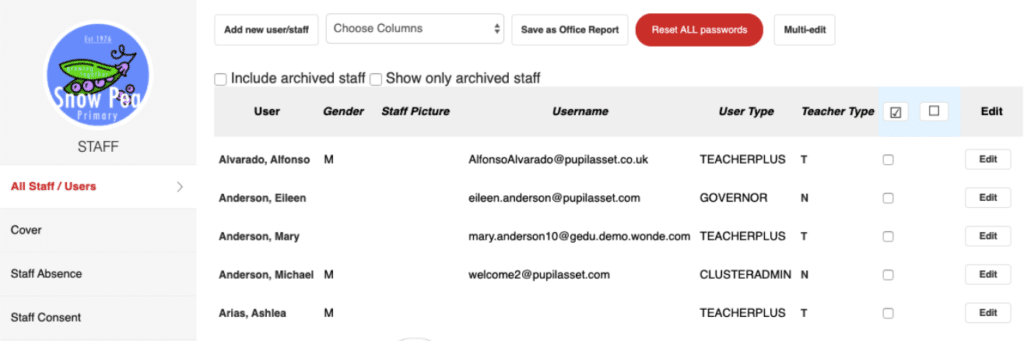
Click on the Contracts tab on the left-hand side – this will show their active contracts. Click on the Edit tab of the contract.
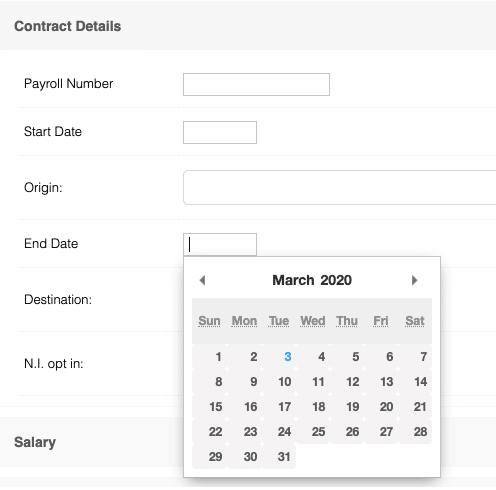
Next, open the Contract Details window and add the end of contract date into the End Date field. Click Save.

Archiving Staff
Navigate to Admin > Staff and click on the staff member to be archived.
Click on the Edit tab and then, at the bottom of the window, click Archive.
This will bring up a prompt, click OK.
Finally, add the staff leaving date in the End Date field and click Save.
Updated