Key Stage 2 (KS2) statutory data can be downloaded from the NCA Portal in order to import into Horizons. In order to import into the system, the downloaded information needs to be in CTF format.
Downloading the CTF from the NCA Portal
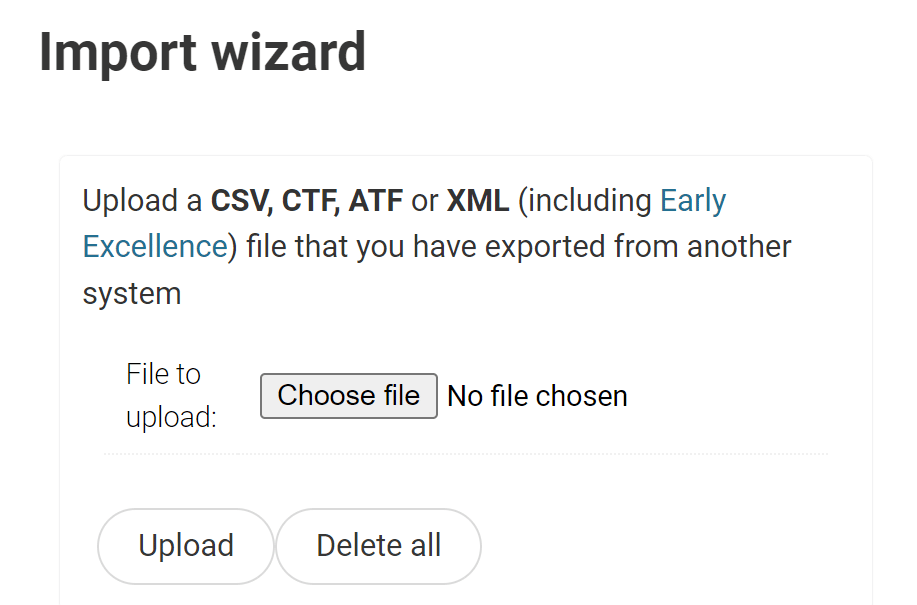
Once selected, choose the ‘upload‘ option. This will take you into a Summary page detailing the contents of the file and pupils contained within it:
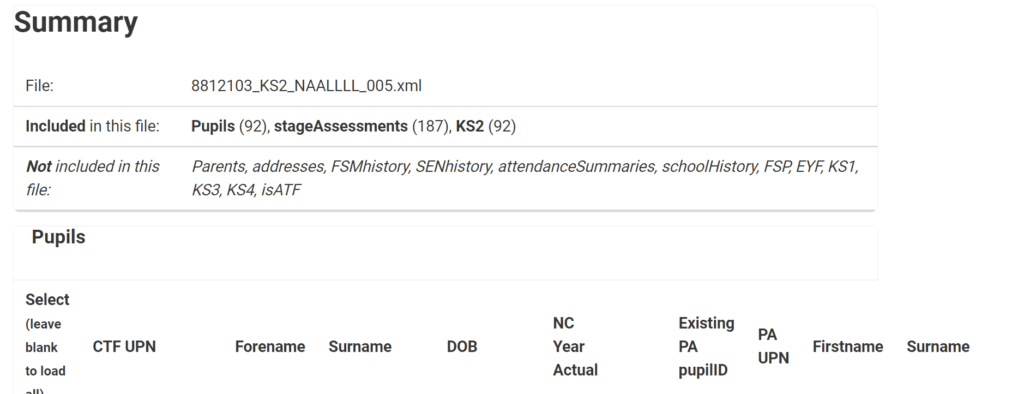
The system will automatically attempt to load any KS2 data within the file
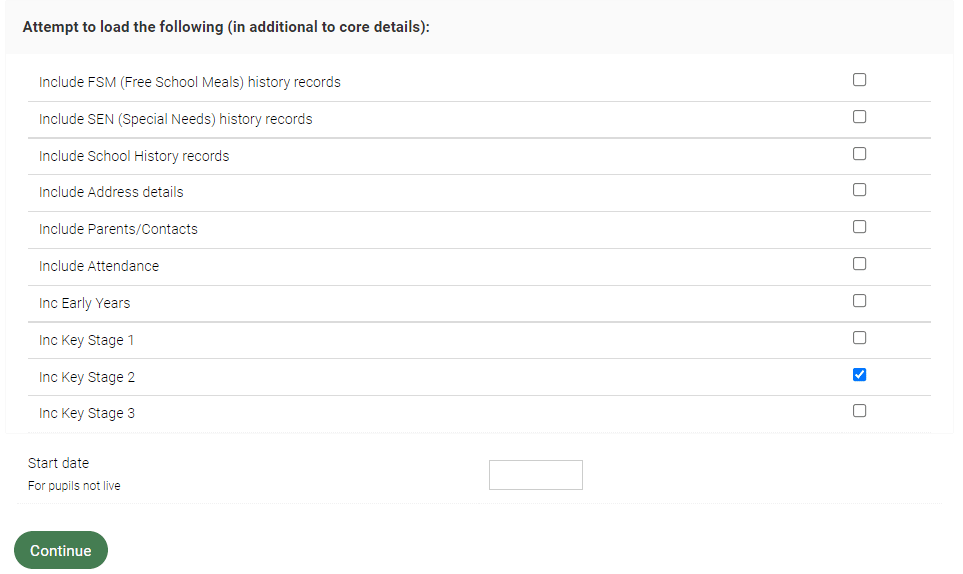
Clicking continue will load both TA and Test data for each pupil
Creating Statutory KS2 pupil reports
To create individual pupil reports, head to Office > Reports and select one of the following:
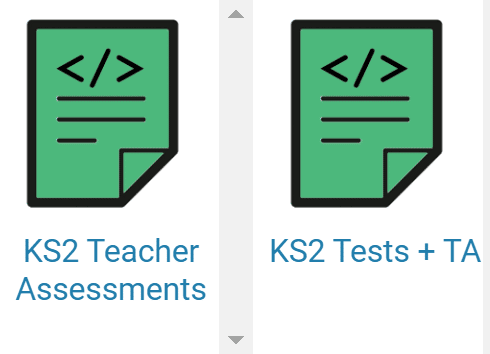
Use the Filter Block to select Year 6 and then use the blue Print icon to print for pupils selected:

Updated